

Send your inquiry directly to us
CONTACT DETAILS
China Patient Monitor Repair Company
Contact Person:Katie Lee
Tel:8618879071075
Fax:86-188-790-71075
Announcer: PMR Med Release Time:2026-02-19
X3 Monitor Parameter Board
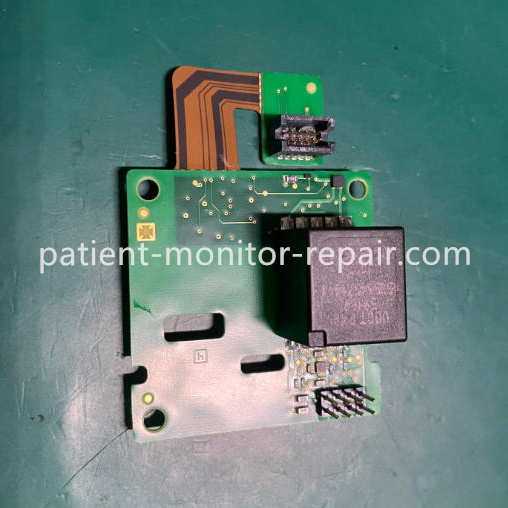
Philips IntelliVue X3 Patient Monitor Parameter Board 453564521681 Data Transmission Component
► Brief Description
This product is a core parameter processing board specifically designed for Philips IntelliVue X3 patient monitors, with the
part number 453564521681. It features a standardized green PCB design with a precise layout and clearly marked interfaces.
Its primary function is to receive, integrate, and process raw signals in real-time from various physiological parameter
modules (such as ECG, SpO₂, NIBP, respiration, and temperature).
Utilizing built-in professional medical algorithms, the board convert these signals into accurate and reliable clinical vital
sign values and waveforms. It also coordinates data synchronization betweenmodules andultimately drives the display for
clear presentation. Its stable and efficient operation is crucial for ensuring the accuracy, responsiveness, and continuity of
the entire monitoring system.
► Specification
Material | FR-4 PCB |
| Part Number | 453564521681 |
| Board Type | Multi-parameter Processing Board |
| Processing Parameters | ECG, SpO₂, NBP, RESP, TEMP, etc. |
Operating Voltage | DC 5V/12V |
| Function | Collects, filters and processes vital signs signals |
►Trend Parameter Scales
Trend parameter scales dictate how trend waveforms are displayed on the screen and in trend reports. Separate
scales can be configured for adult, pediatric, and neonatal patient trend data.
To modify the trend parameter scales settings, you can either use the Scale setting in the Segment menu or
follow these steps:
1. Navigate to the Main Setup menu and select Trends.
2. Choose Parameter Scales from the available options.
3. Select the measurement or parameter you wish to adjust from the provided list.
4. Press the pop-up key labeled Change to access the Scale menu.
5. In the Scale menu, select the parameter label you want to configure settings for. Choose Adult, Pedi,
and Neo, then use the pop-up keypad to input the new upper and lower scale values.
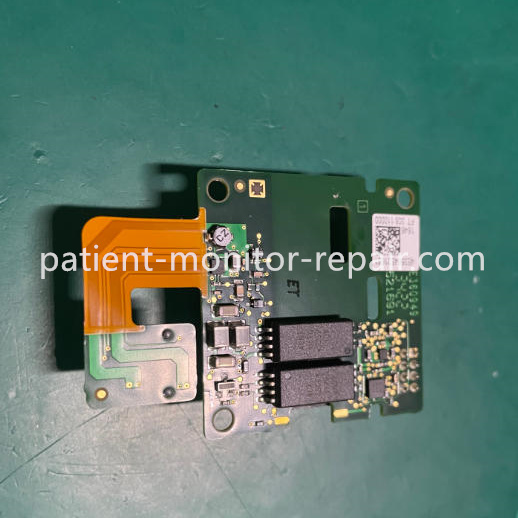
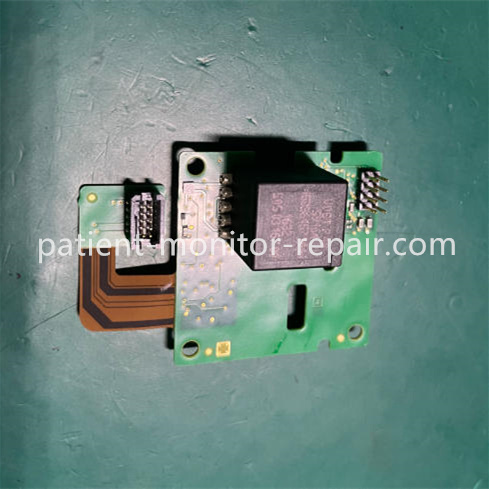
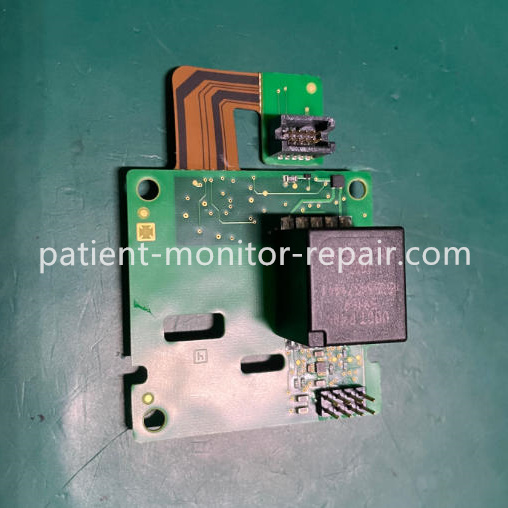
► Detailed Photos
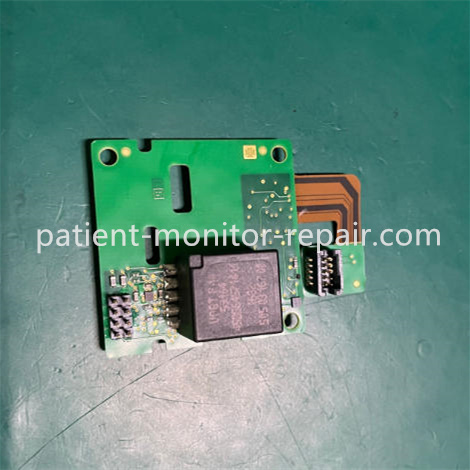
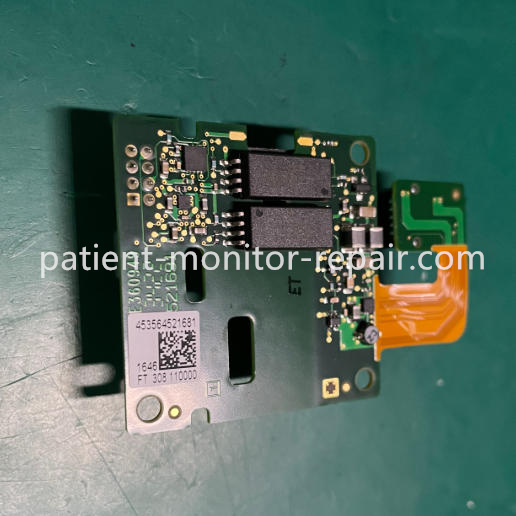
Tags: Philips IntelliVue, Parameter Board, X3 Patient Monitor,
Copyright statement:If not specified, the articles on this site are all PMR Med originals. Please indicate the source and attach the link to the Philips IntelliVue X3 Patient Monitor Parameter Board 453564521681 Data Transmission Component article for reprinting.
Previous:Philips X3 Monitor Parameter Panel Interface Components Include Blood Oxygen ECG NBP Temperature
Next:Philips IntelliVue X3 Patient Monitor MSL Board 453564532071 For Equipment Core Circuit Control
Send your inquiry directly to us
Contact Person:Katie Lee
Tel:8618879071075
Fax:86-188-790-71075
Tel