

Send your inquiry directly to us
CONTACT DETAILS
China Patient Monitor Repair Company
Contact Person:Katie Lee
Tel:8618879071075
Fax:86-188-790-71075
Announcer: PMR Med Release Time:2026-01-14
SureSigns VM6 Main PCB Board
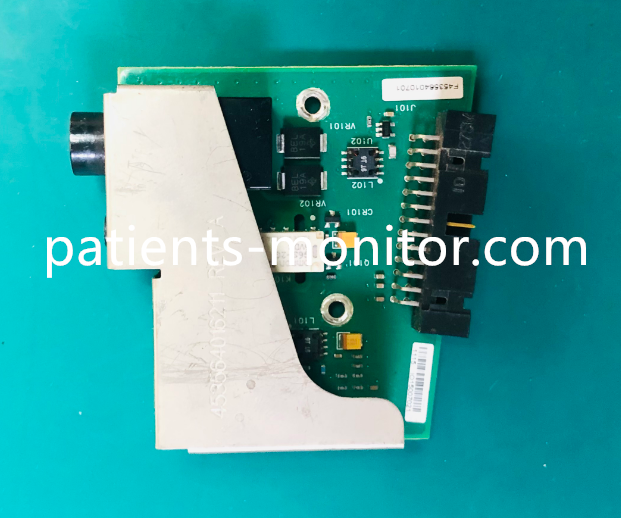
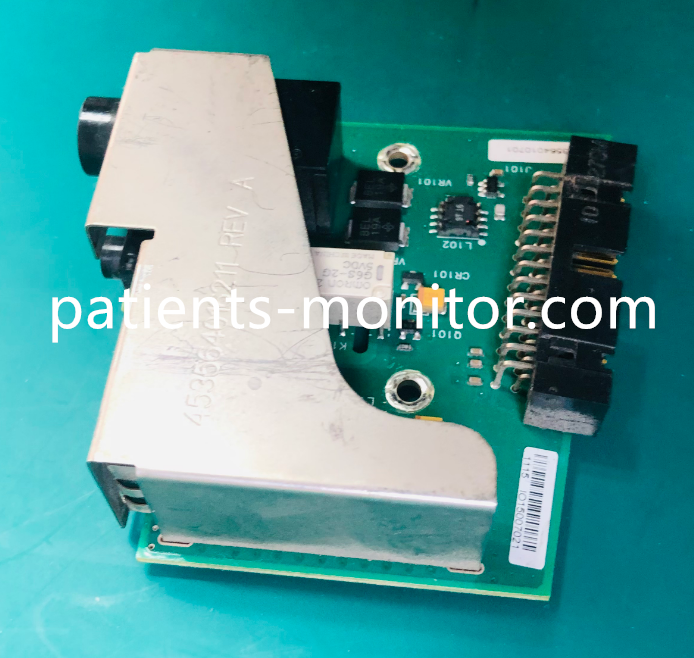
F453564010701 Philips SureSigns VM6 Patient Monitor Main PCB Board
► Brief Description
This PHILIPS VM6 patient monitor motherboard (model F453564010701) is compatible with the SureSigns VM6 series monitors.
It consists of a green PCB substrate, an integrated metal shield (for electromagnetic interference protection), multiple black connectors
(including Ethernet and sensor interfaces), and precision electronic components, measuring 15×10×2 cm.
Functions:
It processes real-time physiological data such as ECG (electrocardiogram), SpO₂ (blood oxygen saturation), and NIBP (non-invasive blood pressure), supports seamless communication with Hospital Information Systems (HIS) via the HL7 protocol, and manages the device's power supply (supporting a wide voltage range of 100-240V and battery charging).
► Specification
· Model: F453564010701
· Compatible Device: Philips VM6 Patient Monitor
· Material: Glass - fiber PCB + Metal Shielding + Plastic Connectors
· Connector Type: Ethernet (RJ45), SpO₂ Sensor, NIBP Connector
· Operating voltage: 100 - 240V AC, 50/60Hz; Battery - supported
· Operating temperature: 0°C - 40°C(32°F - 104°F)
· Storage temperature: -20°C - 60°C(-4°F - 140°F)
· Humidity range: 10% - 90% Non - condensing
Brand | Philips |
Product Category | Medical Equipment |
Product Type | Patient Monitor |
Model | VM6 |
Condition | Used with Good Condition |
Warranty | 90 Days |
Delivery Date | 3 - 5 Working Days |
Payment Method | Western Union, Bank T/T, Paypal |
Transpotation | DHL, FedEx, UPS, TNT, EMS, By Air, etc. |
Price | Accept Negotiation |
► Installation & Usage
• Usage Tips:
1. Always disconnect the monitor's power supply before replacing the motherboard and wear an anti-static wrist strap to prevent static electricity damage to the circuit board.
2. Before powering on the device, check that all connectors are securely plugged in (pay special attention to the Ethernet port and sensor interfaces) to prevent abnormal data transmission.
• Installation Steps:
1. Open the VM6 monitor's back cover, remove the screws securing the old motherboard, and disconnect all connecting cables.
2. Align the new motherboard (F453564010701) with the slot, insert and tighten the screws, and reconnect the Ethernet port, sensor interface, and other cables.
3. After powering on, go to the monitor's "System Settings" → "Hardware Detection" to confirm that the motherboard is recognized normally (model number displayed as "F453564010701").
► Detailed Photos
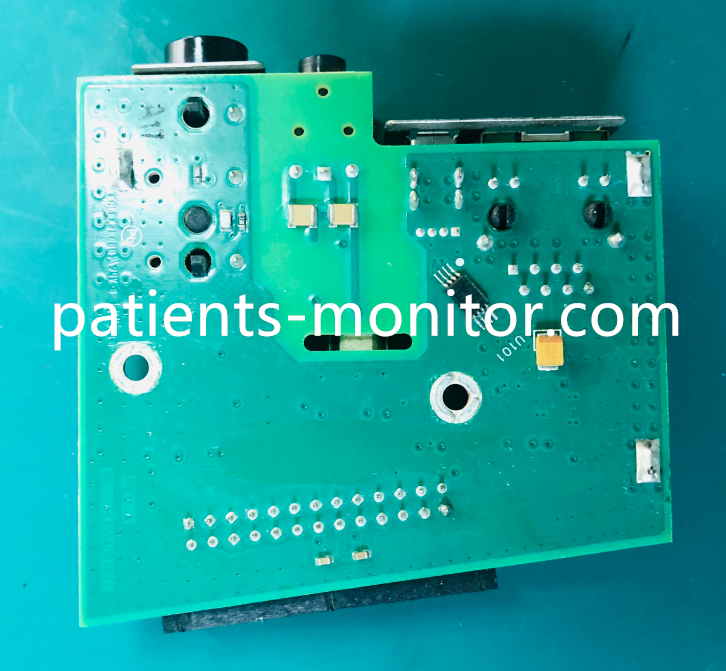
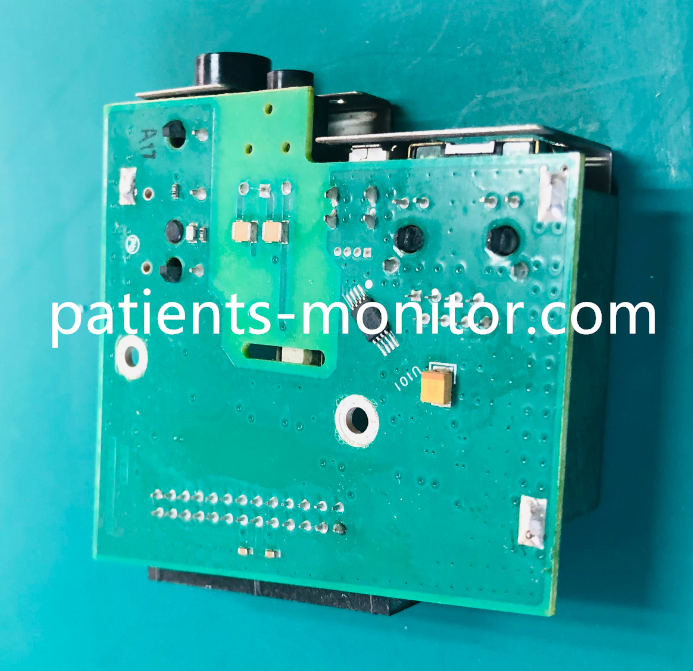
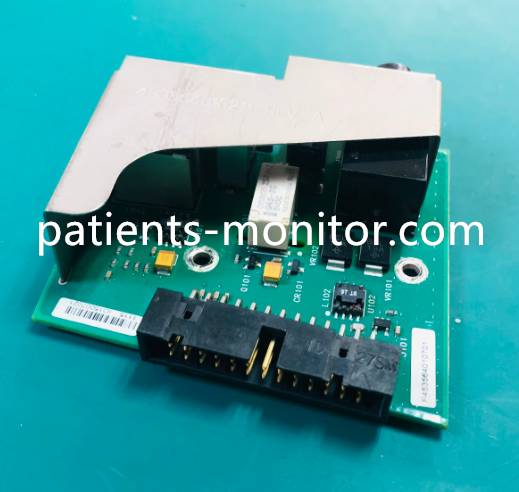
Tags: Philips SureSigns VM6, Main PCB Board, F453564010701 Main Board,
Copyright statement:If not specified, the articles on this site are all PMR Med originals. Please indicate the source and attach the link to the F453564010701 Philips SureSigns VM6 Patient Monitor Main PCB Board article for reprinting.
Previous:F453564010751 Connector Board For Philips SureSigns VM6 Patient Monitor
Next:Philips GOLDWAY UT3000A Fetal Maternal Monitor Used For Hospital Clinic Home
Send your inquiry directly to us
Contact Person:Katie Lee
Tel:8618879071075
Fax:86-188-790-71075
Tel