

Send your inquiry directly to us
CONTACT DETAILS
China Patient Monitor Repair Company
Contact Person:Katie Lee
Tel:8618879071075
Fax:86-188-790-71075
Announcer: PMR Med Release Time:2026-11-03
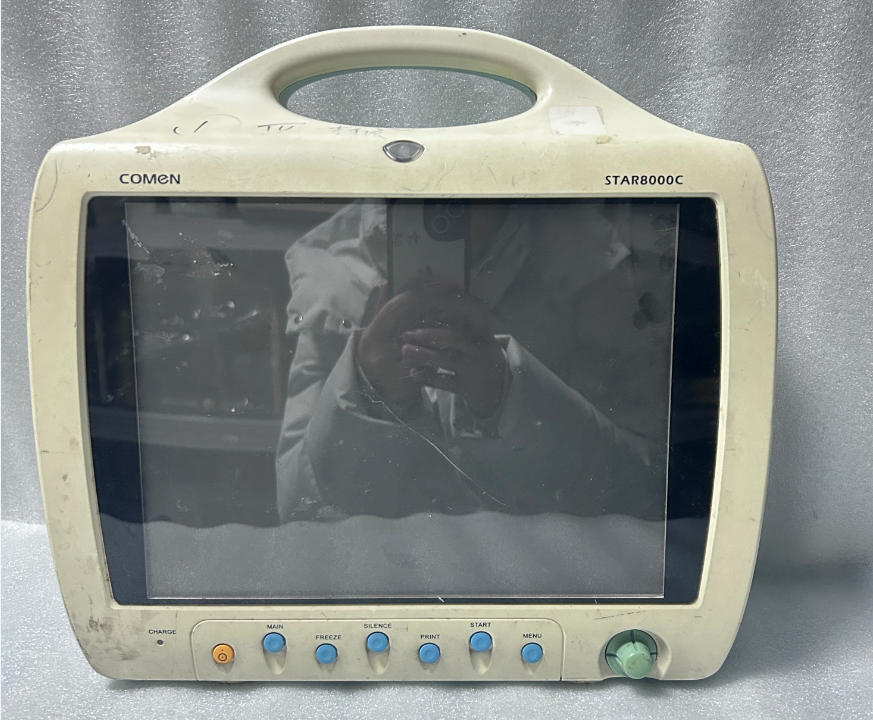
A Comen STAR8000C monitor arrived at our repair station recently. This model is a familiar workhorse in clinical settings, widely used in ICUs, emergency departments and infusion rooms. Once this frequently used device cannot power up, it will immediately disrupt real-time monitoring of patients’ ECG, blood pressure, SpO₂ and other vital signs, putting clinical work under pressure.
This document records the complete troubleshooting and repair process of this unit, including fault verification, circuit measurement and component replacement, for reference by clinical staff and biomedical engineering peers.
1. Fault Description
The service order simply noted “no power”. On initial inspection, the symptom was straightforward:
- With the original AC adapter connected, pressing the power button yielded no response: the screen stayed black, no indicator lights turned on, and there was no startup beep.
- The same result occurred when attempting to power the unit solely from its fully charged internal battery.
- Repeated short and long presses of the power switch produced no change. There were no error codes or any signs of the device attempting to boot.
In short, the monitor was completely dead.
2. Troubleshooting Procedure
We follow the standard principle: check external factors before opening the device, to avoid complicating a minor fault.
Step 1: Verify the external power supply
A multimeter confirmed the adapter output a stable 19 V DC. The DC power jack on the rear panel showed no bent pins, burn marks or loose connections. The external power input path was intact.
Step 2: Rule out the battery
The internal battery was removed and tested individually; its voltage reading was normal. Even with the battery removed and only the adapter connected, the fault persisted. This ruled out the adapter and battery as root causes, pointing the problem inside the monitor.
Step 3: Disassemble and measure power rails
Visual inspection of the power board found no bulging capacitors, burnt odour or obvious damaged solder joints. No obvious defects could be seen with the naked eye, so circuit measurement was required.
We traced the power input path and found that the incoming voltage failed to reach the downstream DC-DC circuits. The power supply was interrupted somewhere on the power board.
Segmented measurement located the fault at a chip fuse resistor at the power input of the power board. Desoldering the component and testing it with the multimeter’s continuity mode confirmed it was open-circuited.
Under magnification, the resistor pads were slightly discoloured, showing typical signs of long-term moisture-induced oxidation. The component was not charred or exploded, but oxidation had broken the internal conductive path and cut off the entire power loop.
3. Fault Conclusion & Repair Plan
Root Cause: Oxidation and open circuit of the chip fuse resistor on the power board. Neither mains power nor battery power could be delivered to the subsequent circuits, so the unit showed no startup response.
Repair Plan: Replace the faulty component with a chip fuse resistor of identical specifications and package matching the original Comen STAR8000C power board. Resolder the pads properly to reinforce the connection and prevent recurrent oxidation or intermittent contact.
4. Post-repair Verification
Before full reassembly, we powered the bare board and measured all output rails: 12 V, 5 V and 3.3 V were all within normal range, with no short circuit or overcurrent.
After reassembly, functional tests were carried out:
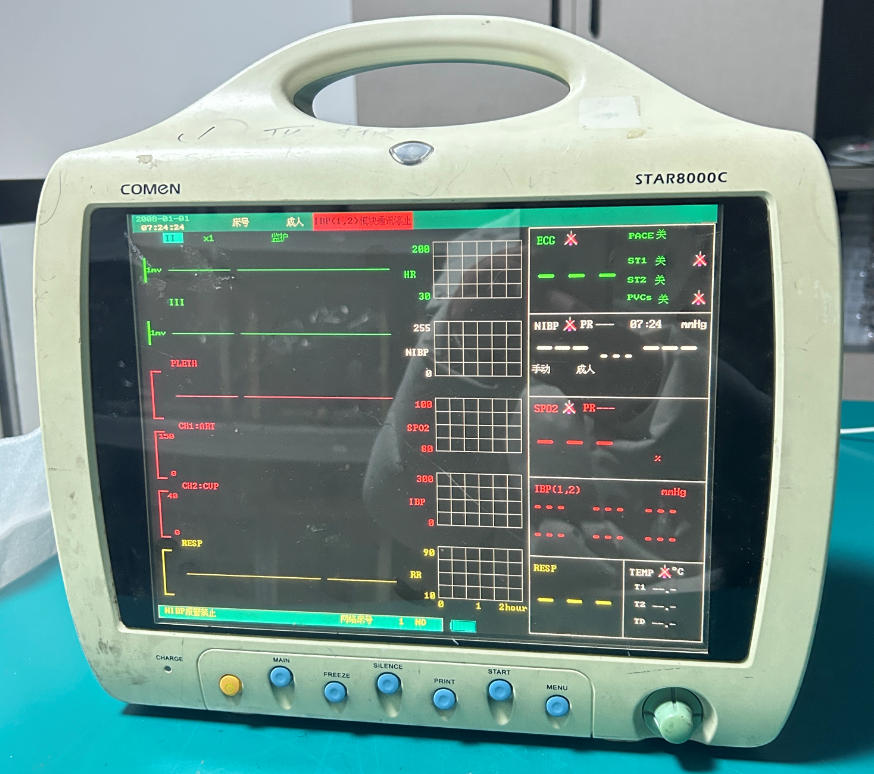
- Powered by the AC adapter: the monitor beeped, the screen lit up normally and passed self-test into the main interface.
- Powered by battery only: normal startup was also achieved.
- ECG, non-invasive blood pressure and SpO₂ modules were tested one by one. Waveforms and readings were accurate, consistent with normal operating condition.
The repair was completed successfully.
5. Practical Takeaways for Technicians
For a totally dead no-power fault, avoid immediately replacing the mainboard or entire power board. This leads to unnecessary cost and labour. Quite often the failure originates from a low-cost protective component near the power inlet. Systematic testing from the external supply inward allows precise component-level repair, with low cost and high success rate.
A reminder for clinical teams: if monitors fail to start after humid seasons or prolonged exposure to damp environments, replacement of expensive assemblies is not always required. A quick check of the power input protection components may bring the device back into service with only a small chip resistor replacement.
Tags: Comen STAR8000C repair blog, Comen STAR8000C repair log, Comen STAR8000C Maintenance notes,
Copyright statement:If not specified, the articles on this site are all PMR Med originals. Please indicate the source and attach the link to the Maintenance Case: Comen STAR8000C Patient Monitor Fails to Power On article for reprinting.
Previous:Philips MP20 Patient Monitor Flat Cable M8086-61009 Rev.0414
Next:Philips IntelliVue Masimo SET SpO2 Module 1843 451261000751 For Vital Signs Patient Monitor
Send your inquiry directly to us
Contact Person:Katie Lee
Tel:8618879071075
Fax:86-188-790-71075
Tel