

Send your inquiry directly to us
CONTACT DETAILS
China Patient Monitor Repair Company
Contact Person:Katie Lee
Tel:8618879071075
Fax:86-188-790-71075
Announcer: PMR Med Release Time:2026-09-11
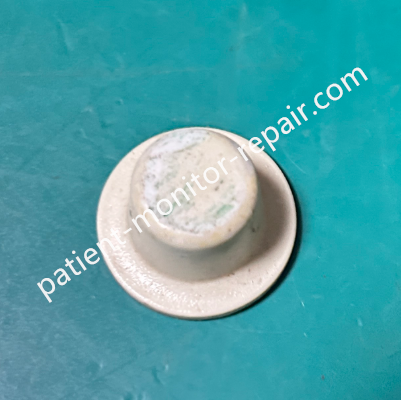
Philips UT7000C Knob
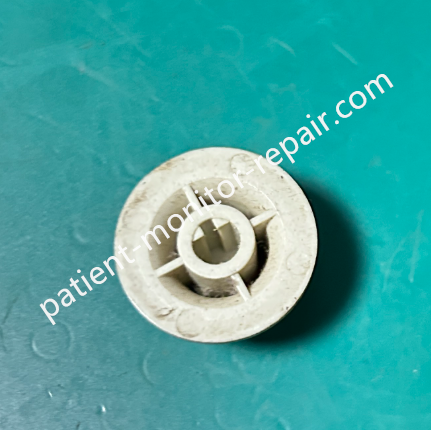
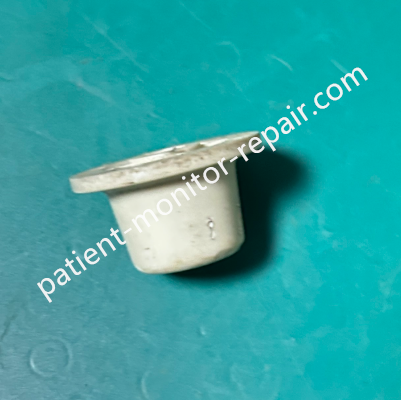
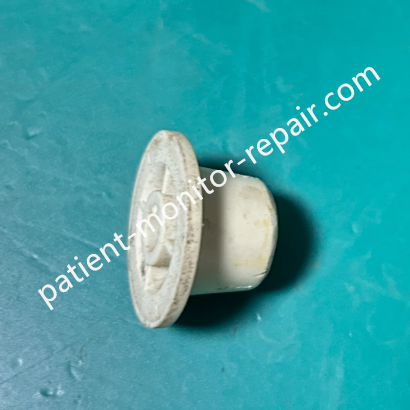
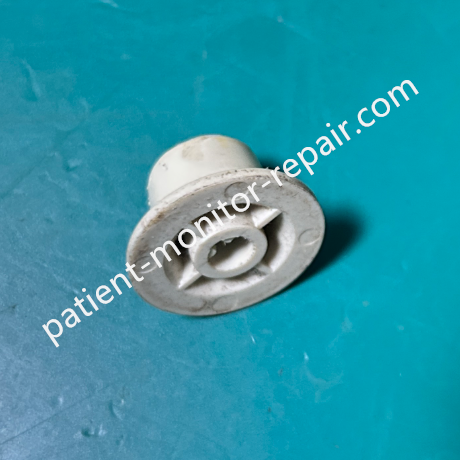
Philips Goldway UT7000C Patient Monitor Knob
► Product Overview
The control knob on the Philips Goldway UT7000C is the primary physical interface for navigating the monitor's on-screen menus and adjusting key parameters. It's typically a rotary encoder or potentiometer-based control located on the front panel, allowing clinicians to scroll through menu options, select items, and adjust settings like alarm limits or waveform speed without needing to use the touchscreen or keypad.
► Specification
Compatible Device | Philips Goldway UT7000C patient monitor |
Control Type | Rotary encoder or potentiometer with push-button function |
Primary Function | Menu navigation, parameter adjustment, selection confirmation |
Tactile Feedback | Detent or smooth rotation (depending on variant) |
Push Function | Yes – press to select/confirm |
Mounting | Front panel, PCB-mounted |
Durability | Rated for high-cycle clinical use |
Electrical Interface | Typically connects to mainboard via ribbon cable or pin header |
► Detailed Photos
Tags: Philips Patient Monitor, UT7000C Knob, Goldway Monitor,
Copyright statement:If not specified, the articles on this site are all PMR Med originals. Please indicate the source and attach the link to the Philips Goldway UT7000C Patient Monitor Knob article for reprinting.
Previous:Philips Goldway UT7000C Patient Monitor Keyboard M-7C1K11C
Next:Philips Goldway UT7000C Patient Monitor Mainboard ARM3AJN039
Send your inquiry directly to us
Contact Person:Katie Lee
Tel:8618879071075
Fax:86-188-790-71075
Tel