

Send your inquiry directly to us
CONTACT DETAILS
China Patient Monitor Repair Company
Contact Person:Katie Lee
Tel:8618879071075
Fax:86-188-790-71075
Announcer: PMR Med Release Time:2026-02-13
Philips IntelliVue MP2 X2 Side Connector Trim Bezel New Compatible Parameter Interface Panel Cover
► Brief Description
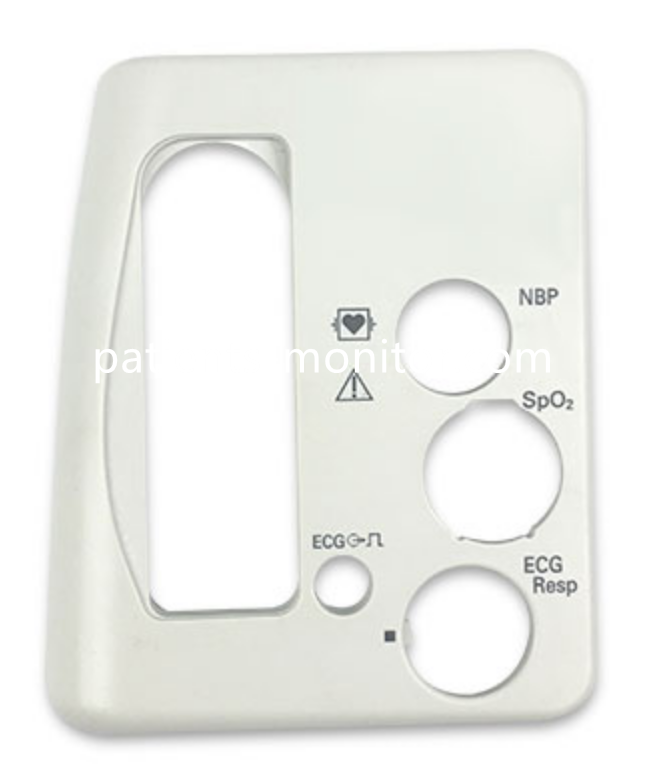
The side cover/bezel is not a separate electronic component, but rather part of the main housing assembly of the monitor.
It serves to cover and aesthetically pleasing the parameter interface area on the side of the monitor.
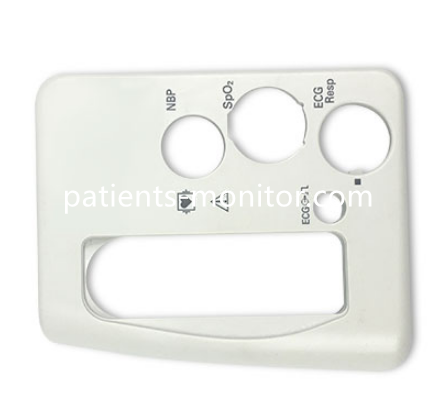
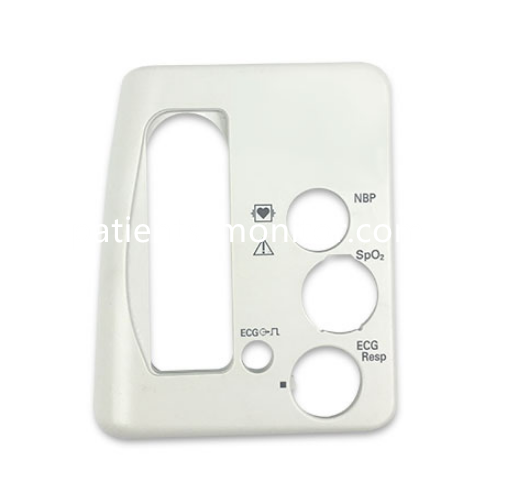
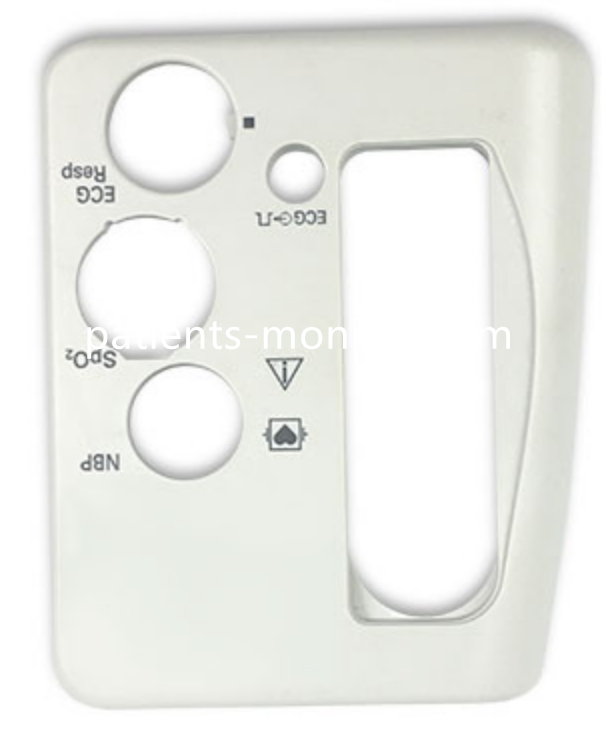
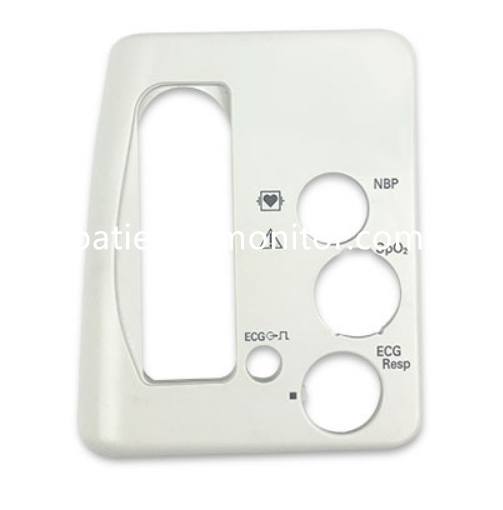
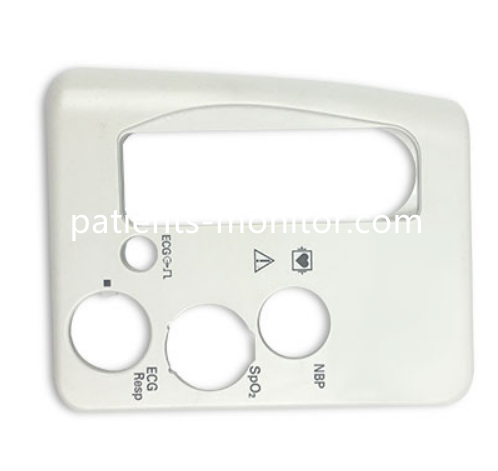
This side cover has multiple openings, each corresponding to a different physiological parameter interface:
1. The elongated opening in the upper left corner is for handle or cable management;
2. The circular opening slightly above center, labeled "NBP," is for connecting the non-invasive blood pressure module;
3. The circular opening slightly below center, labeled "SpO₂," is for connecting the pulse oximetry probe;
4. The small circular opening in the lower left corner, labeled "ECG," is for connecting the electrocardiogram (ECG) electrode;
5. The circular opening in the lower right corner, labeled "ECG Resp," is for connecting the respiratory monitoring electrode.
Its main function is to protect internal interfaces, enhance the cleanliness of the device's appearance, and help healthcare professionals quickly identify and connect different monitoring modules through clear labeling.
► Specification
Product Name | Side Connector Trim Bezel |
Model | MP2, X2 |
Material | High Impact ABS Plastic |
Product Type | Monitor Shell |
Function | Protective Housing |
Color | Light Gray |
► Product Advantages
1. Applicable Scenarios:
Specifically designed for the side interface area of Philips IntelliVue MP2 and X2 monitors.
Not applicable to other models or other parts of other devices.
2. Pre-installation Check:
Before installation, ensure the monitor is powered off.
Clean the side interface area, ensuring it is free of dust, oil, or residue to avoid affecting the adhesion and seal of the decorative bezel.
3. Daily Maintenance:
It is recommended to gently wipe the surface with a soft, dry cloth or a slightly damp cloth (with a small amount of neutral detergent).
Avoid using strong solvents such as alcohol or abrasive cleaning tools to prevent damage to the surface and labels.
► Detailed Photos
Tags: Philips IntelliVue MP2 X2, Side Connector Trim Bezel, Patient Monitor Parameter Interface Cover, Replacement Part,
Copyright statement:If not specified, the articles on this site are all PMR Med originals. Please indicate the source and attach the link to the Philips IntelliVue MP2 X2 Side Connector Trim Bezel New Compatible Parameter Interface Panel Cover article for reprinting.
Previous:Main Housing Chassis Case For Philips IntelliVue MP2 X2 Monitor Replacement Repair Parts
Next:LCD Screen Overlay Touch Panel Kit for Philips IntelliVue MP2 X2 Patient Monitor Display Protection
Send your inquiry directly to us
Contact Person:Katie Lee
Tel:8618879071075
Fax:86-188-790-71075
Tel