

Send your inquiry directly to us
CONTACT DETAILS
China Patient Monitor Repair Company
Contact Person:Katie Lee
Tel:8618879071075
Fax:86-188-790-71075
Announcer: PMR Med Release Time:2026-01-06
Philips Button Membrane Panel
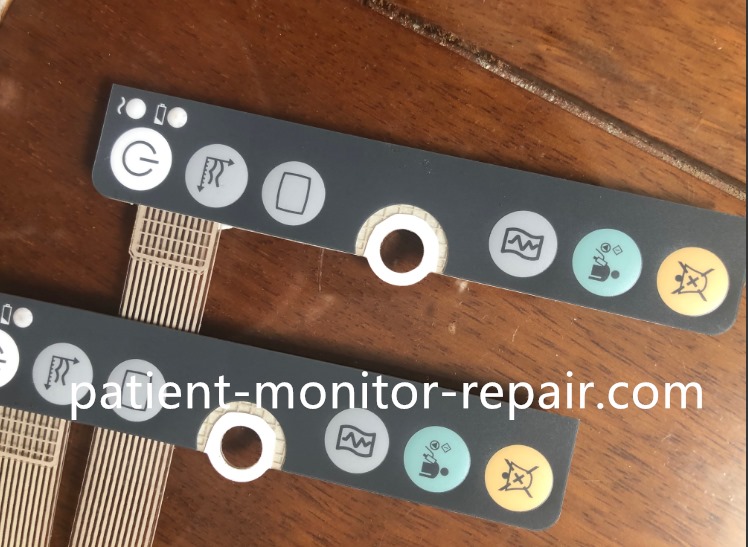
Philips SureSigns VM6 VM8 Patient Monitor Button Membrane Panel Replacement Part
► Brief Description
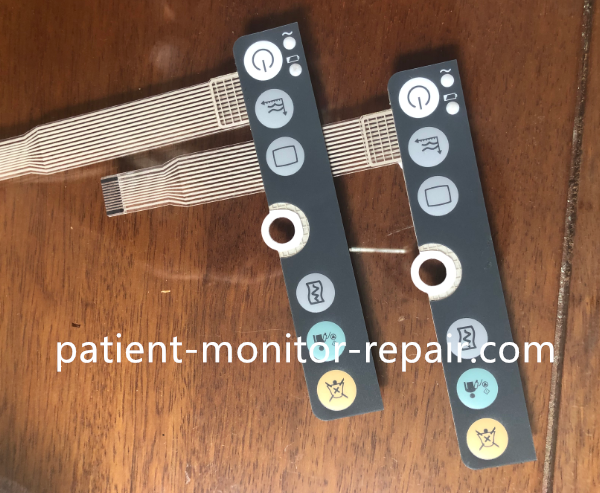
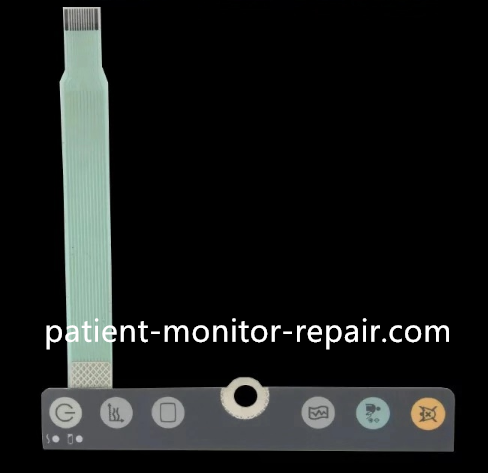
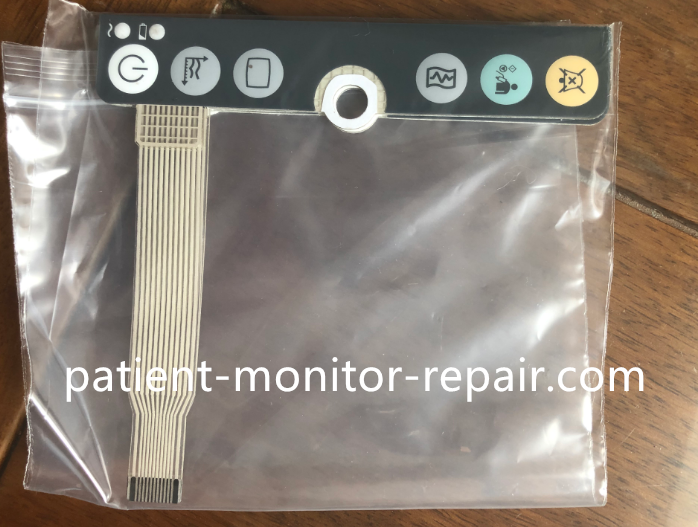
This product is a dedicated keyboard membrane for Philips SureSigns VM6 and VM8 monitors.
It features a black background and six keys that perfectly match the curved surface and
key layout of the monitor's control panel, with clear labeling. Its primary function is to prevent dust and liquids
(such as disinfectants, blood, or medications) from entering the monitor, thus avoiding short circuits or key malfunctions.
Furthermore, the membrane is made of high-quality materials,
capable of withstanding frequent keystrokes and cleaning, maintaining key sensitivity,
and extending the lifespan of the main control panel.
► Specification
| Brand | Philips |
| Model |
Philips SureSigns VM6, VM8 |
| Advantages | Waterproof, Dustproof |
| Product Type | Replacement Part |
| Warranty | 90 DAYS |
| MOQ | 1 |
► Advantages
1. Precise Compatibility:
Designed specifically for VM6/V8, with precise cutouts for a perfect fit.
2. Durable Protection:
Strong sealing performance effectively resists liquid and dust intrusion, protecting internal precision components.
3. Durable and Clear:
Scratch-resistant surface, printed markings are not easily worn away, remaining clear even after long-term use.
4. Easy to Clean:
Smooth surface, can be quickly wiped with medical disinfectant.
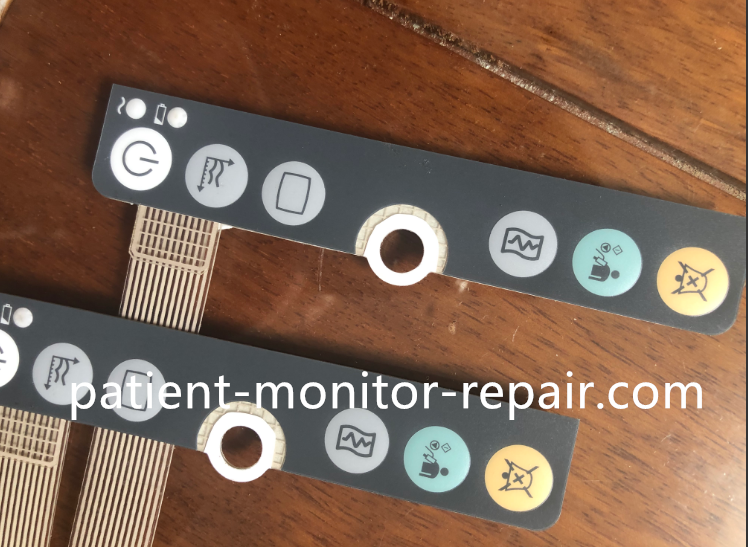
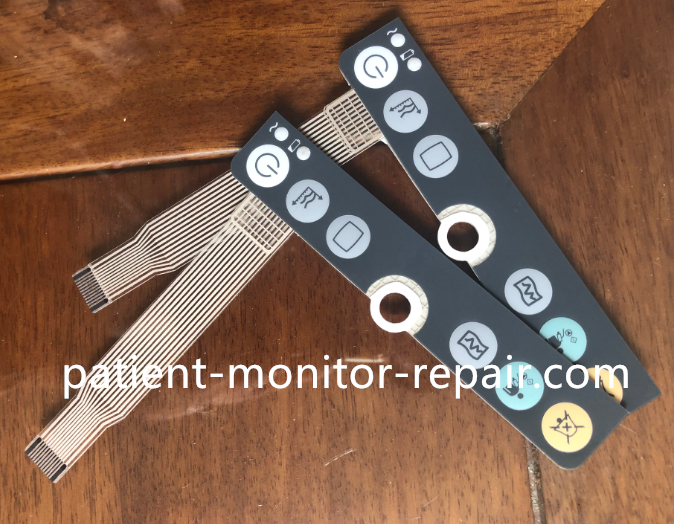
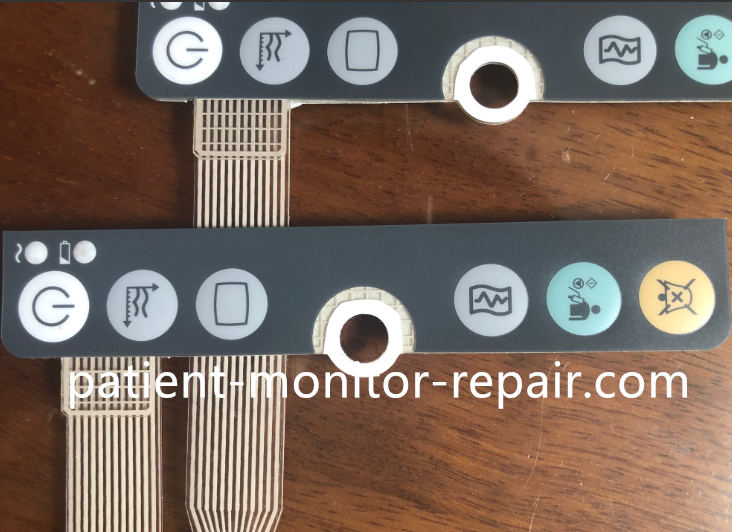
► Detailed Photos
Tags: SureSigns VM6 VM8, Patient Monitor Button Membrane, Button Membrane Panel, Philips SureSigns,
Copyright statement:If not specified, the articles on this site are all PMR Med originals. Please indicate the source and attach the link to the Philips SureSigns VM6 VM8 Patient Monitor Button Membrane Panel Replacement Part article for reprinting.
Previous:Philips MP2 X2 Patient Monitor Charge Adapter M8023A M8023-60000 Power Supply with Cable M3081-61626
Next:Philips SureSigns VS3 VM6 New Version Patient Monitor 8.4 Inch Display for ICU ER OR
Send your inquiry directly to us
Contact Person:Katie Lee
Tel:8618879071075
Fax:86-188-790-71075
Tel